
How to Generate a Bulin 47 AI Video (Step by Step)
Put yourself, a friend or anyone who agreed into the viral Bulin 47 freestyle from one photo: every step with screenshots, what it costs and tips for the best result.
Oct 12, 2026
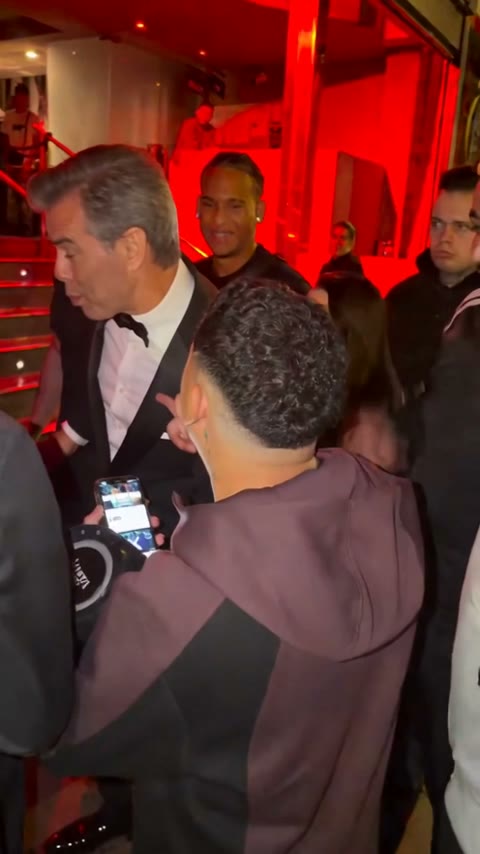
The Bulin 47 freestyle is the clip of Dominican artist Bulin 47 rapping over Kevin Wai's speaker outside a red-lit restaurant, and the trend is to put someone else in his place. With the Bulin 47 AI Generator you need one photo and a few minutes: the AI replaces only the lead performer and keeps Kevin Wai, the crowd, the lights, the camera and the original sound. This guide shows every screen, with real screenshots.
1. Open the generator
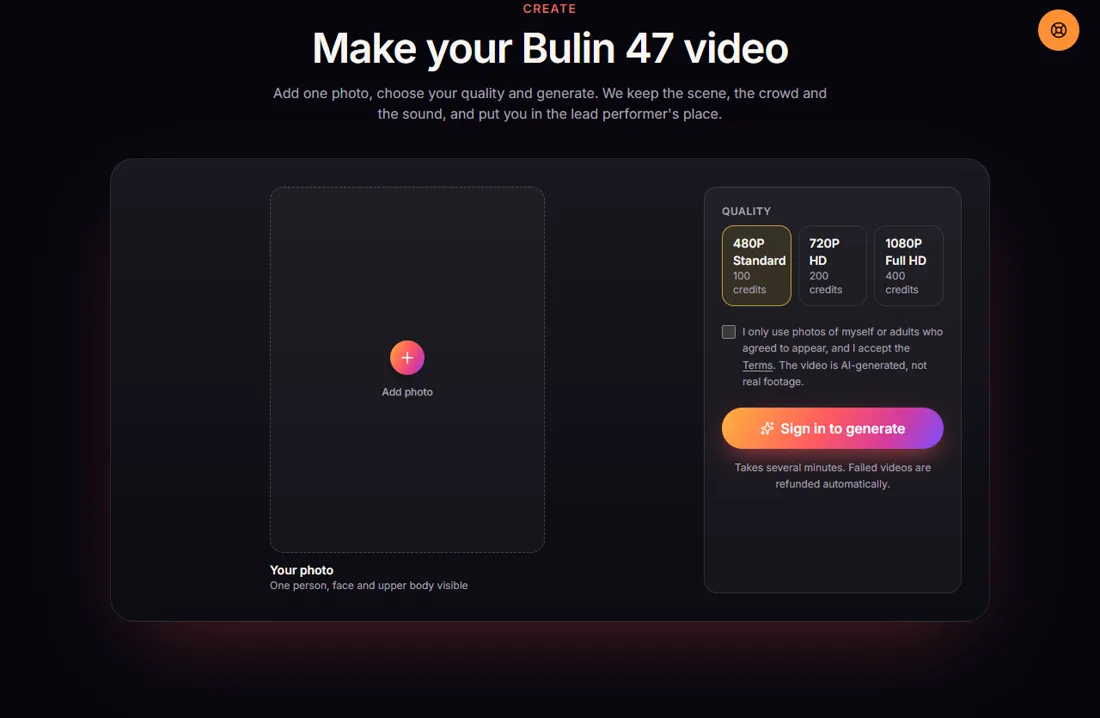
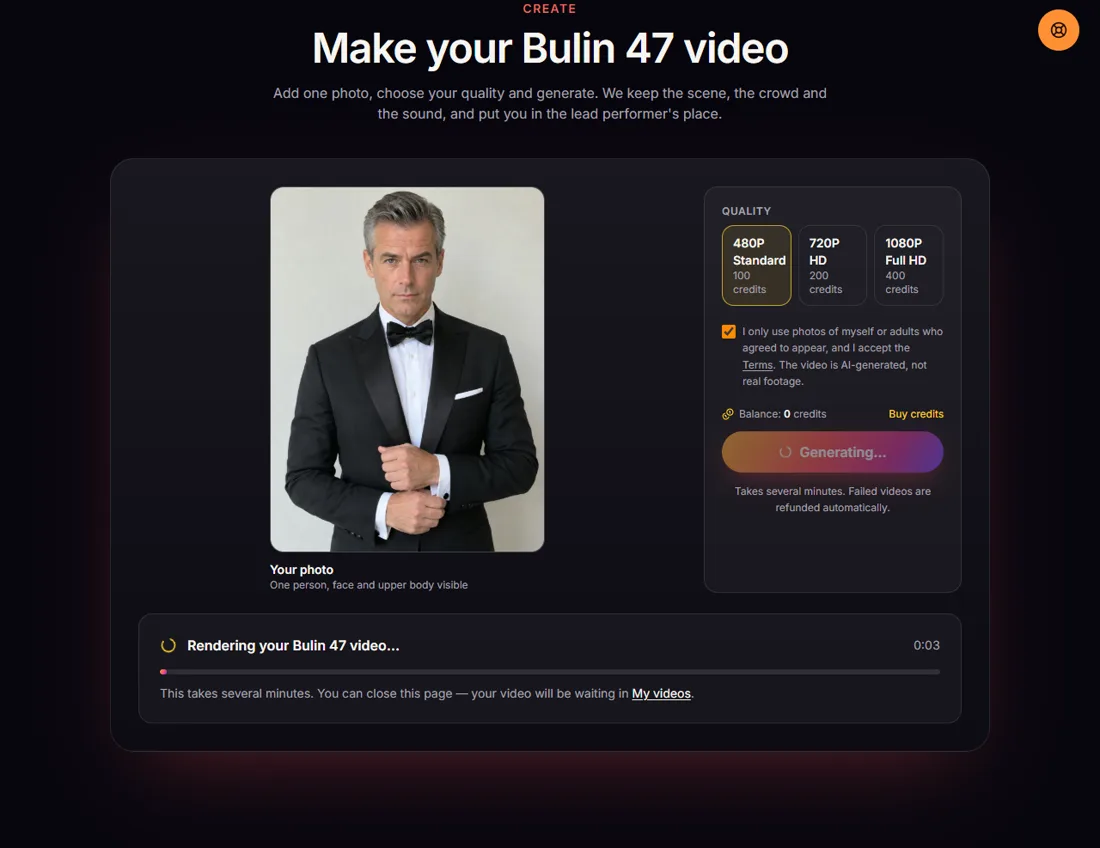
Go to bulin47.io and scroll to Make your Bulin 47 video, or click Create video at the top. Signed out, the generator shows where your photo goes and asks you to sign in before you generate.
2. Sign in
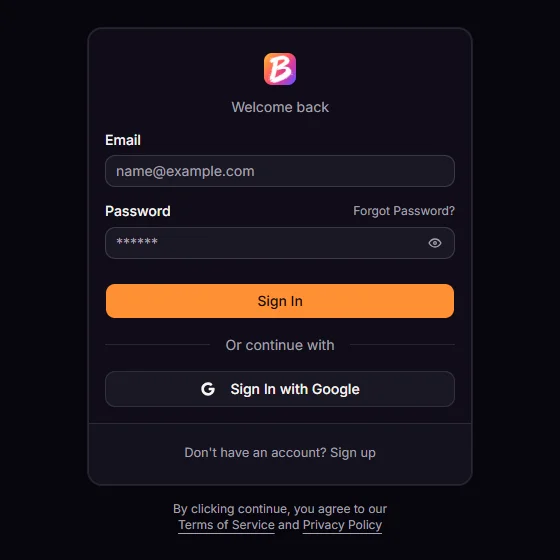
Sign in with Google in one click, or create an account with your email and a password (you confirm the email once). Your credits and videos are tied to this account.
3. Get credits
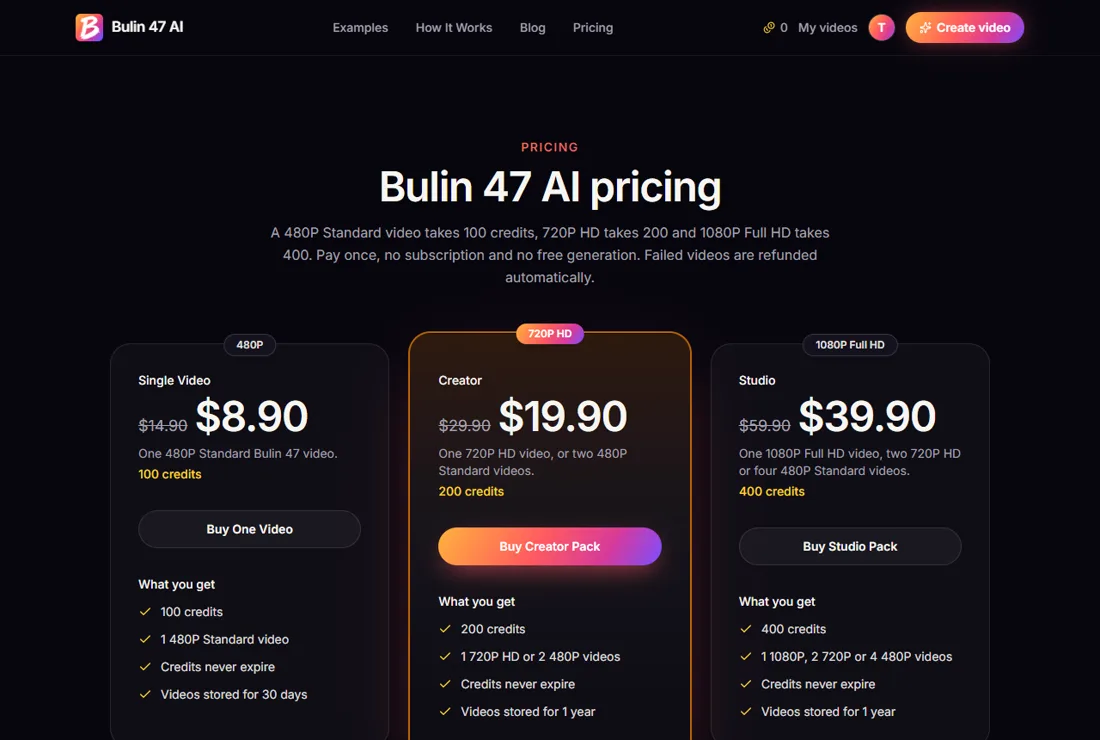
Videos are paid with credits from a one-time pack; there is no subscription and no free generation. Each pack matches a quality, and credits never expire:
| Pack | Price | Credits | Makes |
|---|---|---|---|
| Single Video | $8.90 | 100 | 1 video in 480P |
| Creator | $19.90 | 200 | 1 in 720P HD or 2 in 480P |
| Studio | $39.90 | 400 | 1 in 1080P, 2 in 720P or 4 in 480P |
4. Add one photo and pick a quality
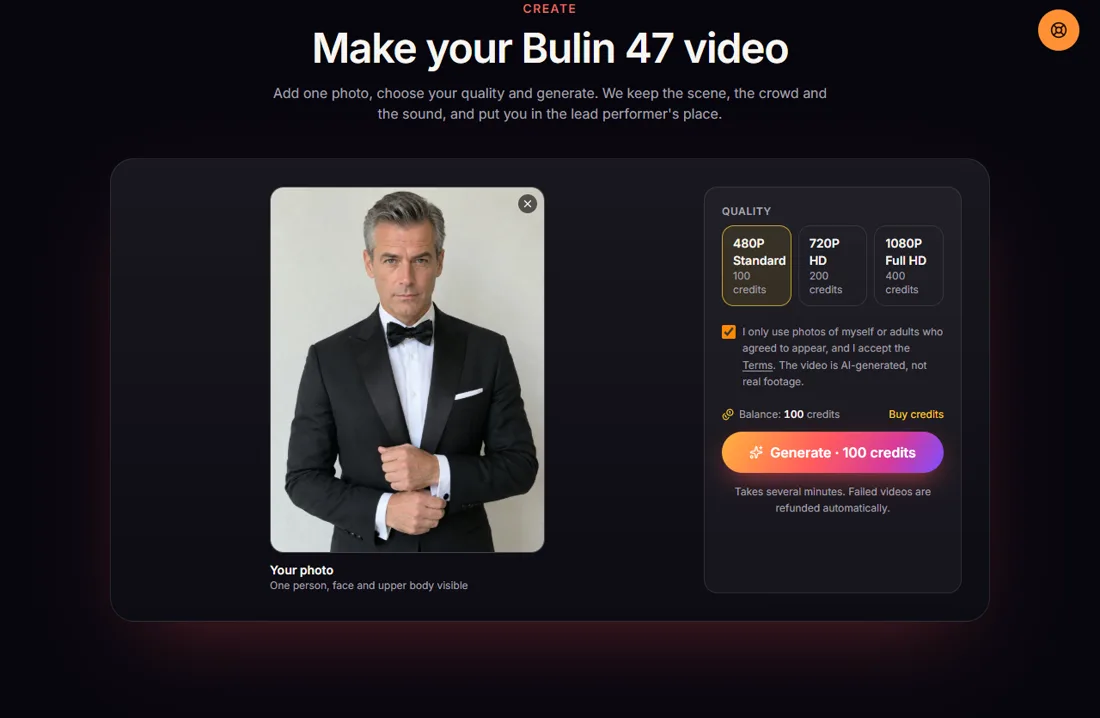
Back on the generator, add one photo of one person. What works best:
- Front-facing, eyes visible, no sunglasses, even light.
- Upper body in the frame, not just a tight face crop: the AI copies the clothes too.
- Someone unexpected. The funniest versions put a person who would never rap (a grandad, a guy in a tuxedo) into the freestyle.
Then choose 480P Standard (100 credits), 720P HD (200) or 1080P Full HD (400), and tick the box confirming the photo shows you or an adult who agreed. Photos of celebrities, public figures or minors are not allowed.
5. Generate
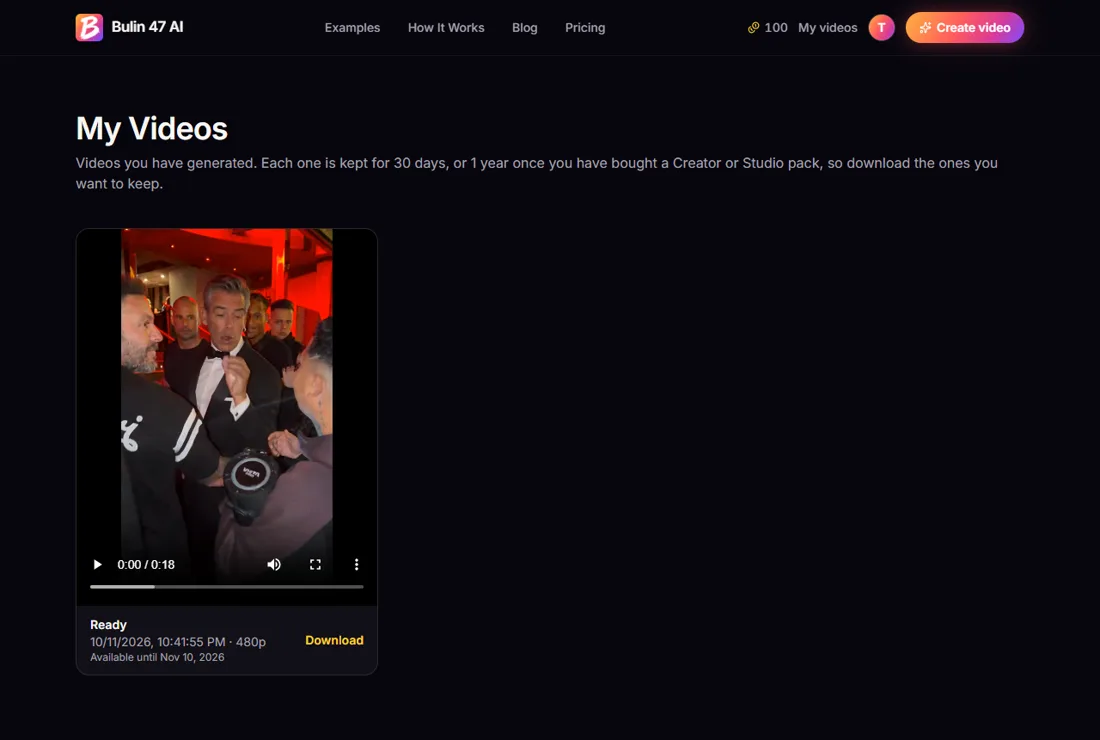
Click Generate. The credits are taken when the video starts and rendering takes about five to eight minutes. You can close the tab; the video keeps rendering and appears in My videos. If a render fails, the credits go straight back to your balance.
6. Download and post
When it is done, watch it and download the MP4 from the generator or from My videos. You get the full 19-second, 9:16 clip with the original sound, ready for TikTok, Reels or Shorts. Turn on the platform's AI-generated label when you post.
What to expect
- Only the lead performer changes. Kevin Wai, the guards, the crowd and the camera move exactly as in the original.
- The face is closest when the photo is front-facing; in fast head turns it can drift a little. Lip sync is close, not frame-exact.
- 480P looks fine on a phone; pick 720P or 1080P if you want it sharper on a big screen.
Ready? Open the generator or see pricing first.
Make your Bulin 47 AI video
One photo in, the 19-second freestyle out, with the original sound.
Open the generator